Common SAML User Directory Settings
This page describes settings that apply to all SAML-based user directories:
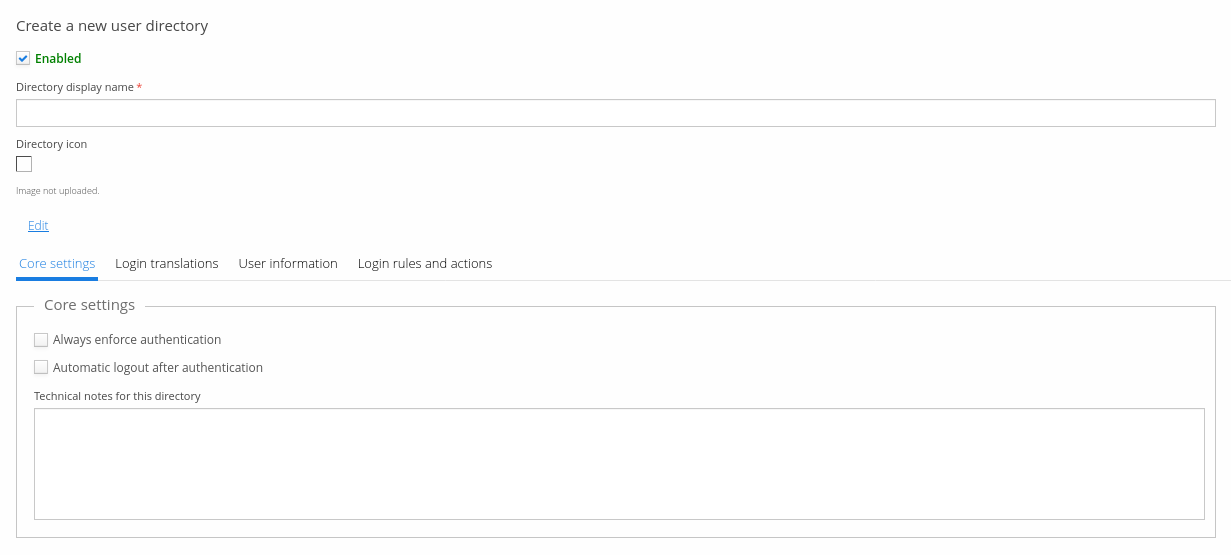
Core settings
- Always enforce authentication — enables a SAML-specific mechanism that forces the user to enter credentials even if they already have an authenticated session with the IdP. Not all identity providers support this.
- Automatic logout after authentication — logs the user out of the SAML identity provider after every successful authentication. This exists because not every identity provider supports enforced authentication.
- Technical notes — free-form notes relevant to configuring this directory.
SP metadata settings
SP metadata settings consist of the SP entity ID, private key, and certificate.
The SP entity ID can be any identifier you choose — there are no requirements — though it
commonly includes the Trivore ID service URL and the SAML authentication path, for example
https://<hostname>/saml/SSO.
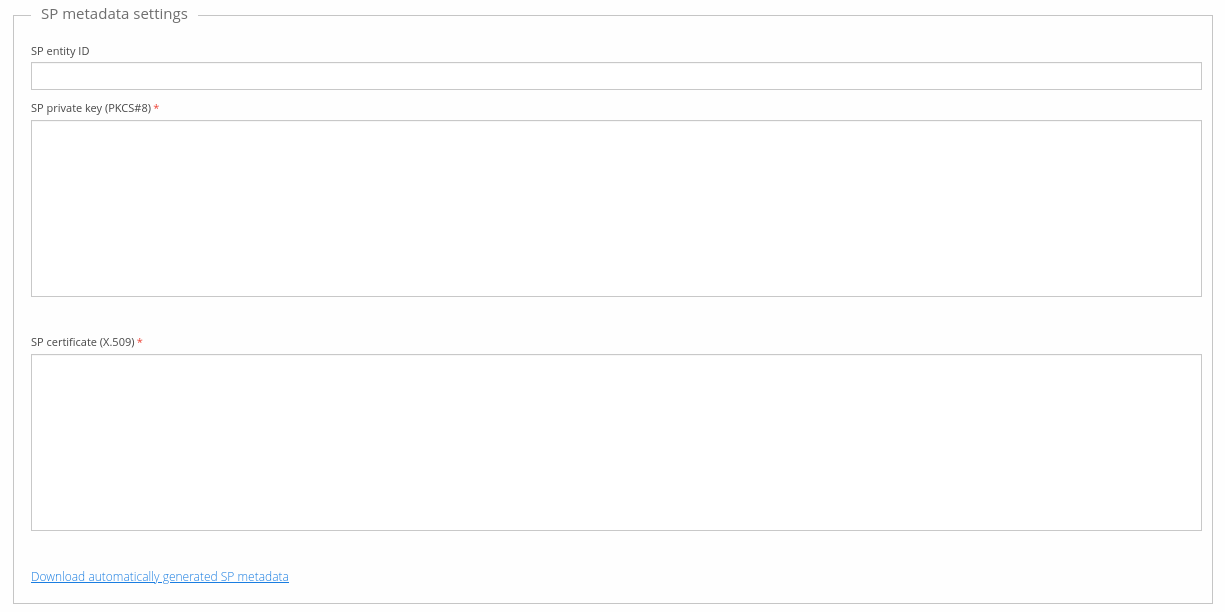
Trivore ID places no restrictions on the private key and certificate, though the SAML IdP you're connecting to might — check with whoever is responsible for that IdP. Self-signed certificates are generally an accepted practice for SAML.
The SP private key must be in PKCS#8 PEM format, and the certificate in X.509 PEM format; use
any tool you like to generate a self-signed certificate and private key. Once all SP metadata
settings are configured, download the automatically generated metadata.xml via Download
automatically generated SP metadata, and import it into the SAML IdP. You can edit the XML
file if needed, since it isn't cryptographically signed.
IdP settings
IdP settings consist of a single field, where you import the metadata XML file provided by the SAML IdP's administrator. The file is structurally validated, but you should still test that everything works as expected.

User information
All user information described in Common user directory settings applies to SAML-based directories too. Additional SAML-specific fields:
| Field | Description | Default value |
|---|---|---|
| Legacy user mapping by username | Link users from the directory based on their username. A legacy option kept for backwards compatibility — don't use it on new directories. Mutually exclusive with Link user with directory and Link ID. | False (not checked) |
| Link user with directory | If enabled, links the existing Trivore ID user account with the external user. Required if users are expected to sign in via this directory rather than only be strongly identified through it — a strong-identification-only use case assumes the user is already signed in, so no link is required. | Depends on directory: enabled by default for ADFS and generic SAML directories, disabled for Suomi.fi (most commonly used for strong identification only). |
| Use NameID based linking | Uses the SAML NameID attribute as the identifying attribute (Link ID). Mutually exclusive with the Link ID field. NameID can also be referenced by name in the Link ID field directly, which makes this option somewhat redundant. | True (checked) |
| Use NameID as username | Uses the SAML NameID attribute as the username. Mutually exclusive with the username field, which is only available when the manual username policy is selected. As above, NameID can also be referenced by name in the Link ID field directly. | False (not checked) |
| Hash username with SHA-1 | Hashes username values with SHA-1. Useful if username values contain sensitive information. | False (not checked) |