New Namespace Defaults
System Preferences → Defaults lets you pre-configure the values a newly created namespace starts with — every namespace can still be changed individually afterward. Not all namespace settings are available here; some can only be set per namespace.
Defaults
Settings are organised across the same categories as the namespace editor itself — Core, User Interface, Features, Branding, and Miscellaneous — see Namespaces → Editor for what each individual setting does. The Core tab additionally covers defaults specific to new namespaces:
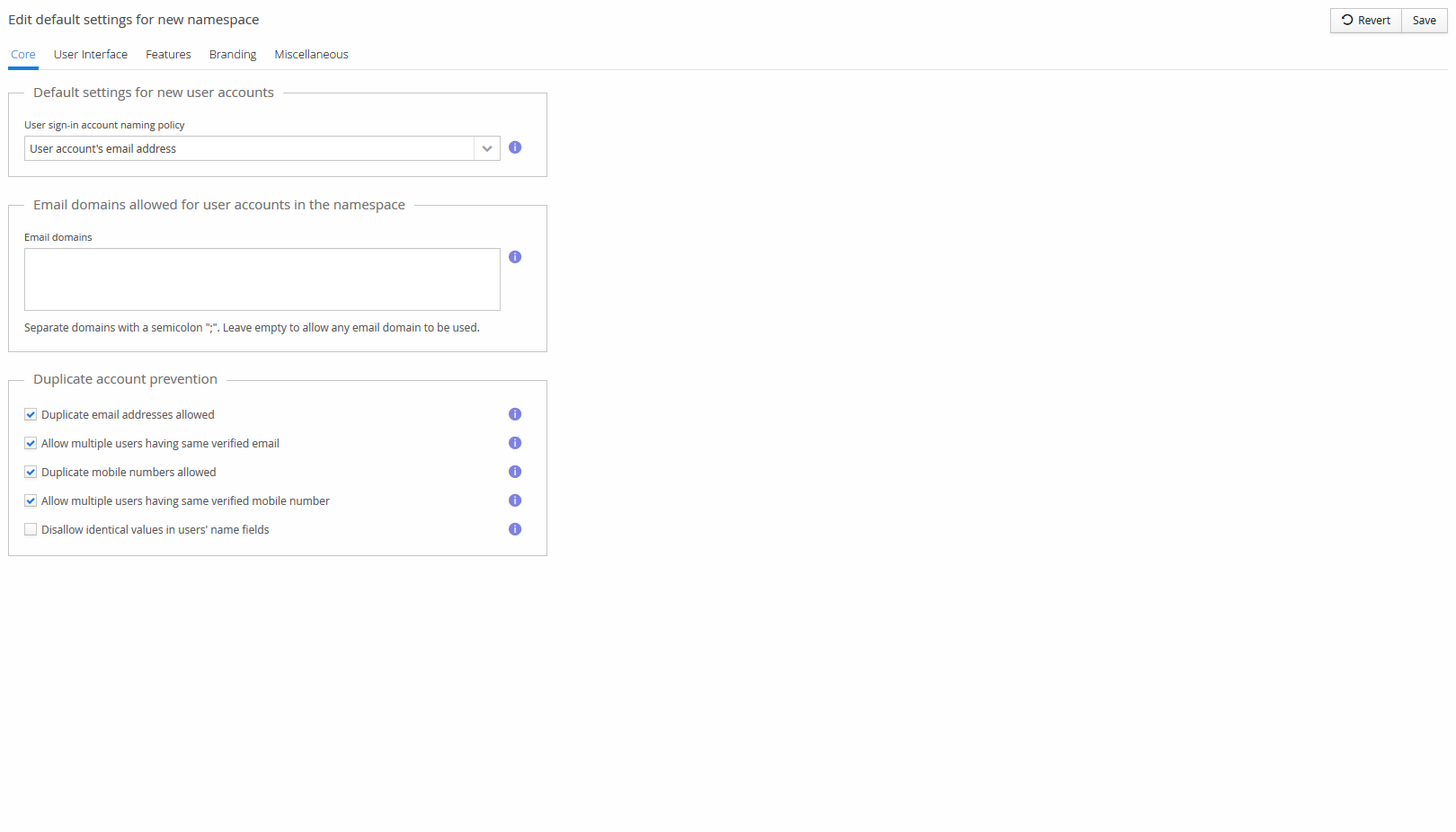
- User sign-in account naming policy — the default naming policy for new user accounts.
- Email domains allowed for user accounts in the namespace — restricts which email domains new accounts may use; leave empty to allow any domain.
- Duplicate account prevention — whether duplicate/shared email addresses and mobile numbers are allowed by default, and whether identical values are disallowed in user's name fields.
Group policies
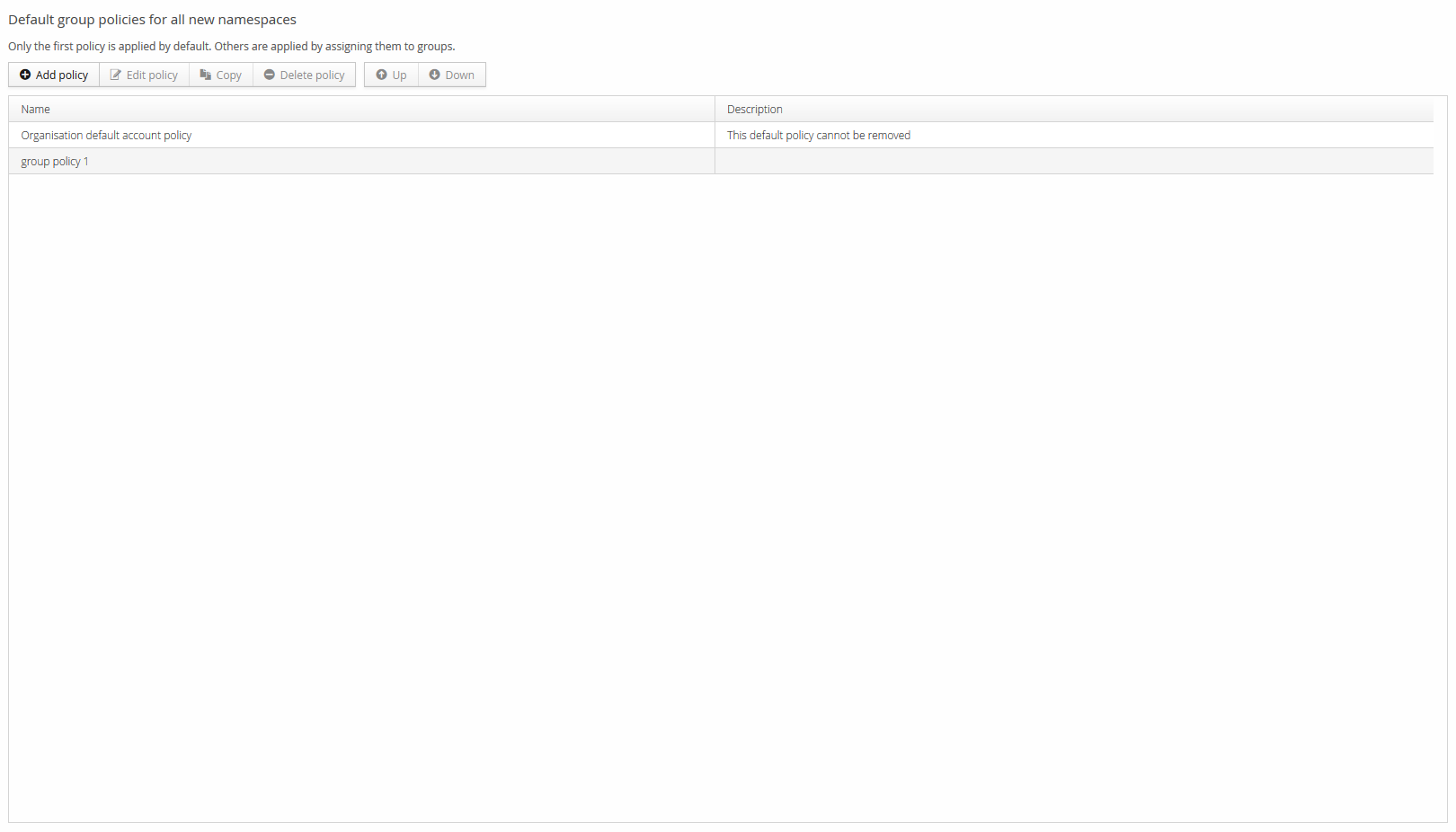
A default set of Group Policies applied to every newly created namespace. Only the first policy in the list is applied by default — reorder with Up/Down to change which one that is. Additional policies aren't applied automatically; assign them to specific groups as needed. The built-in Organisation default account policy can't be removed.