Branding
System Preferences → Branding covers the platform's visual identity, organised across several tabs.
Software
- Software name, Software brand, Software vendor — used to build the browser tab
title, among other places. These are translatable, via the
page.title.simpleandpage.title.withContenttranslation codes — see Translating Content. - Software logo — max upload size 2 MB.
Web styling
Styles inject CSS into non-management web pages, including OpenID sign-in, sign-out, and change password. See User-interface styling for the available CSS classes on each of these pages.
Licensee
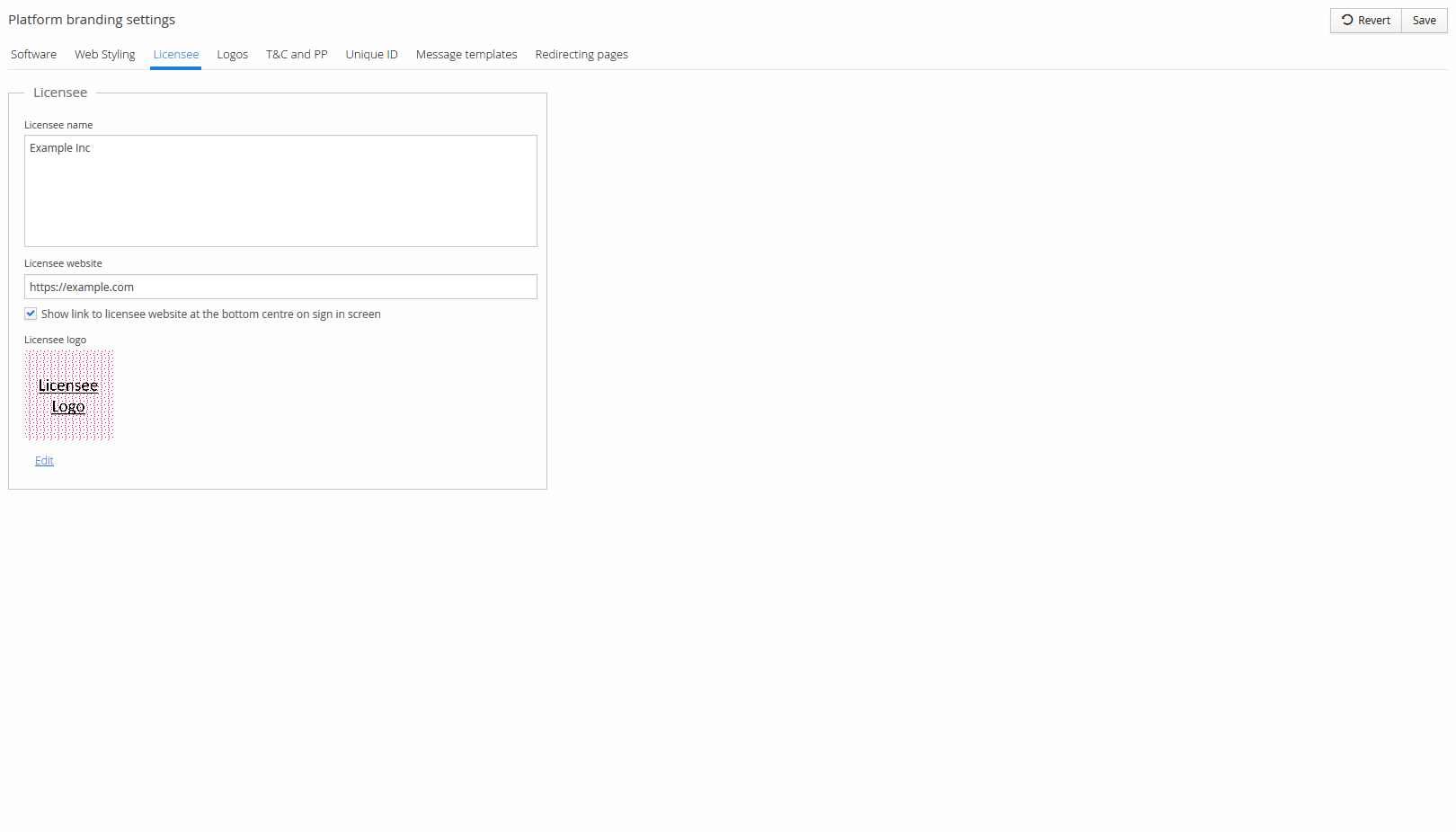
- Licensee name and Licensee website.
- Show link to licensee website at the bottom centre on sign in screen.
- Licensee logo — max upload size 2 MB.
Logos
Upload custom icons for the platform's various logos — max 2 MB each, scaled automatically after upload:
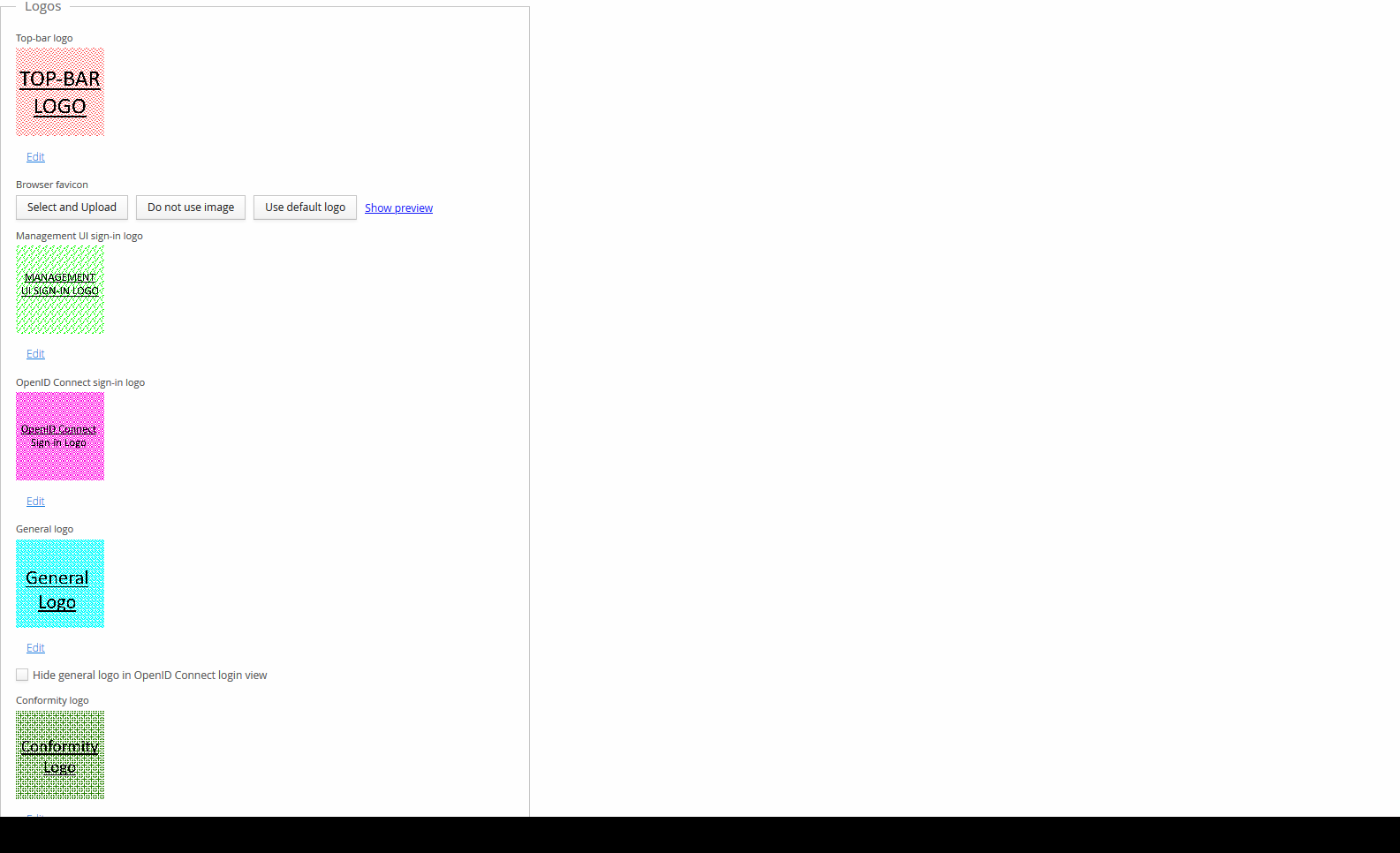
- Top-bar logo
- Browser favicon
- Management UI sign-in logo
- OpenID Connect sign-in logo
- General logo — can optionally be hidden specifically on the OpenID Connect login view
- Conformity logo
Unique ID
A unique identifier for this deployment: an auto-generated Deployment unique serial, an optional Prefix for Deployment unique ID (settable once), and the resulting combined Deployment unique ID (also only changeable once).
Message templates
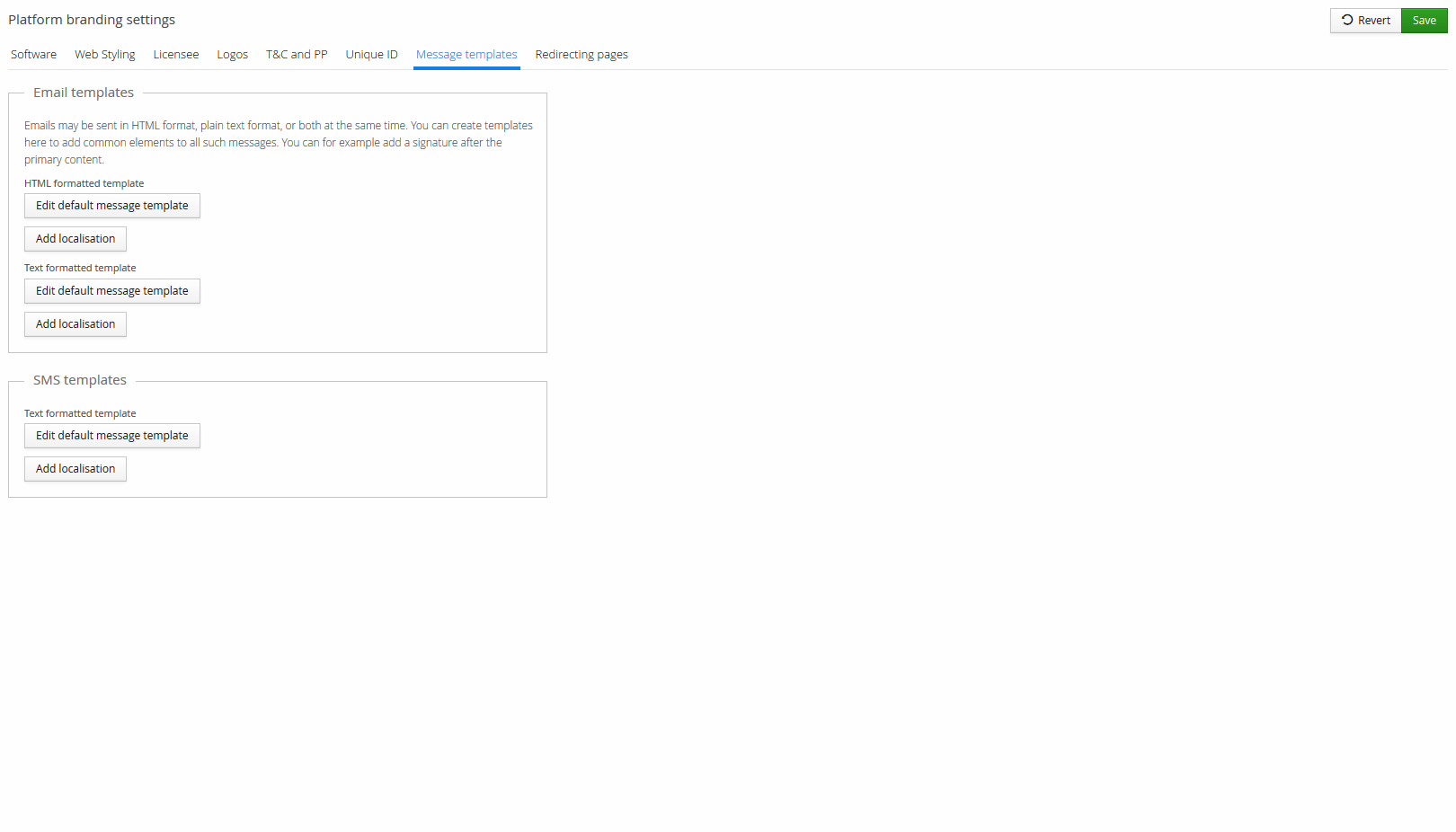
Emails can be sent in HTML format, plain text format, or both. Create a template here to add common elements — such as a signature — around the primary content of every such message, for Email (HTML and/or text formatted) and SMS (text formatted). Localised versions can be added per language. This is a wrapper around individual messages, not the messages themselves — for those, see Email Templates.
Redirecting pages
Customise the Redirect view themes used for the HTML pages that briefly redirect the user elsewhere (for example, after signing in). Each theme has separate CSS for the login and logout redirect views, which can be reset to the default CSS, and its HTML template can be viewed for reference.