Configure AD FS User Directory
This page covers how to configure Trivore ID authentication to work with Active Directory Federation Services (AD FS). Configuring AD FS itself is out of scope here — only the general requirements are covered.
This lets users sign in to Trivore ID using their AD FS credentials.
Configure Trivore ID
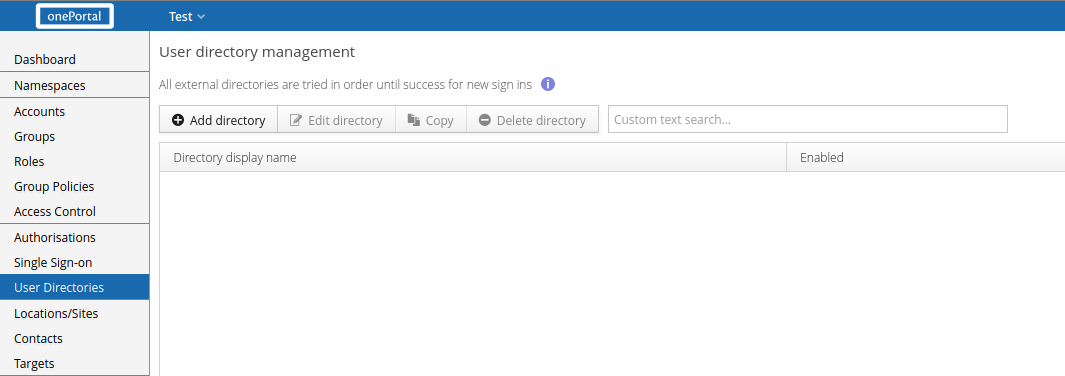
First, select User Directories from the Main Menu and select Add directory.
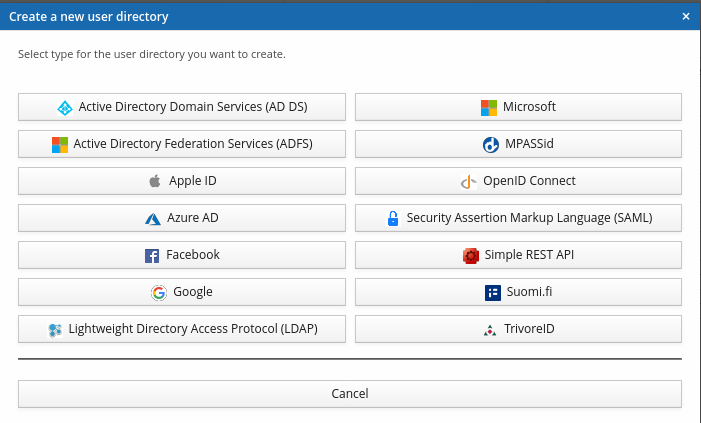
You'll be asked to select a directory type — select Active Directory Federation Services (AD FS).
Core settings
AD FS uses the same core settings as other SAML-based directories — see Common SAML user directory settings.
User information
Once the core settings are configured, you may need to adjust the user attribute mappings — see Common user directory settings. Photo URL isn't implemented yet. Sensible default values are provided when creating a new AD FS directory.