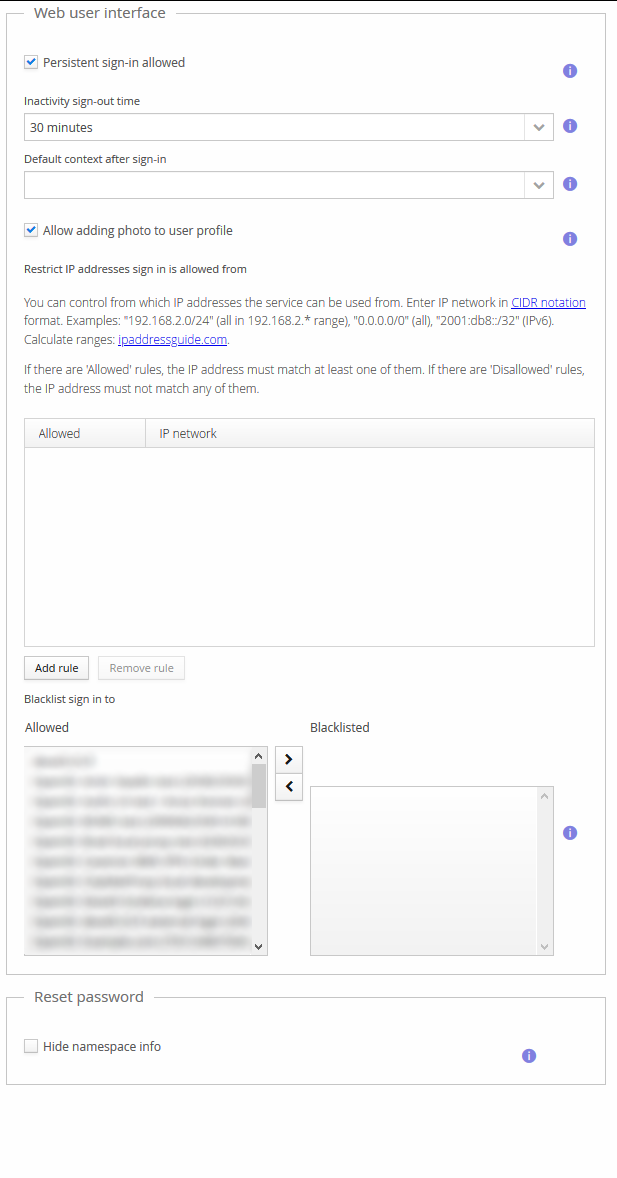
Hiding Namespace Info from Password Reset
The /resetPassword flow's new-password entry view normally shows which namespace the account
being reset belongs to. This can be hidden with a Group Policy setting — useful if you don't
want to expose namespace information to someone using the reset link, though be aware that
users with accounts in more than one namespace may then find it harder to tell which account
they're resetting.
-
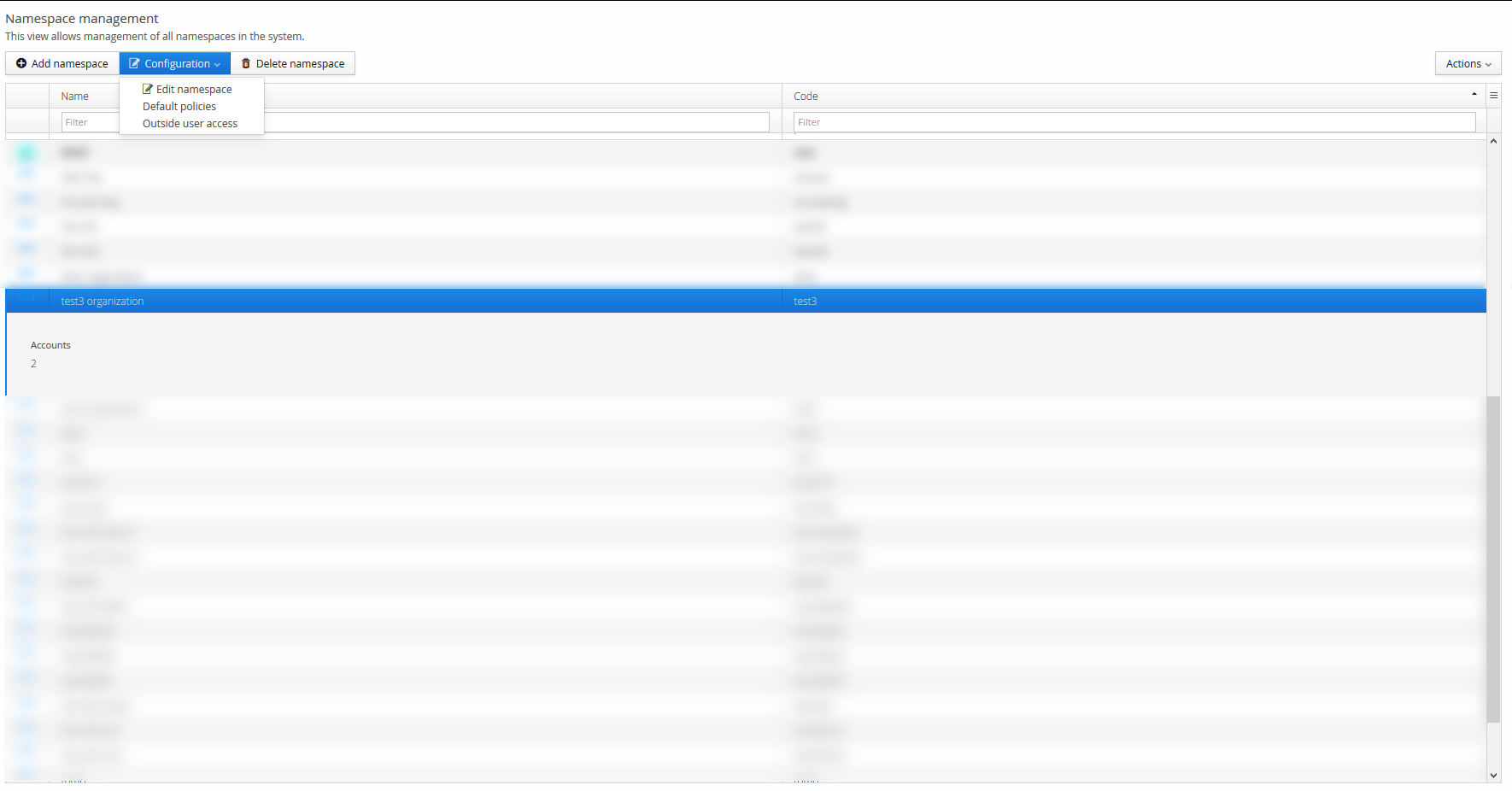
On the Main Menu, select Namespaces.
-
Select the namespace that should be affected, then Configuration → Default policies (or edit the specific Group Policy affecting the target users, if not using the namespace's default policy).
-
Open the Reset password tab.
-
Enable Hide namespace info.