Management of Applications
The OpenID Connect view shows a list of applications you have read access to.
Client Scope Evaluation tool
The Client Scope Evaluation tool helps you work out which scopes you need in order to receive the necessary information about users from the ID token or the UserInfo endpoint.
Opening the tool
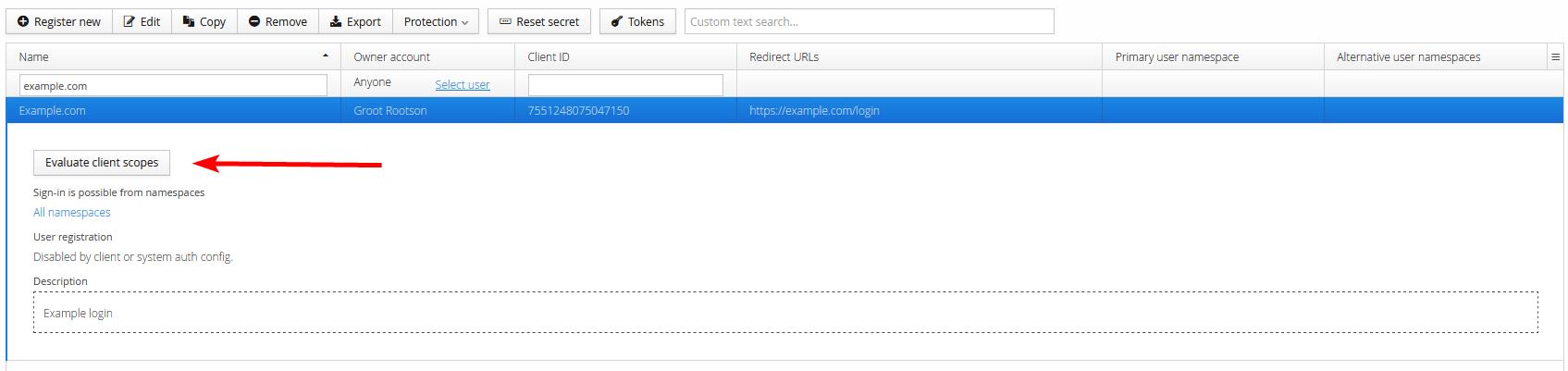
Select an application in the list view, then click Evaluate client scopes to open the tool.
Usage
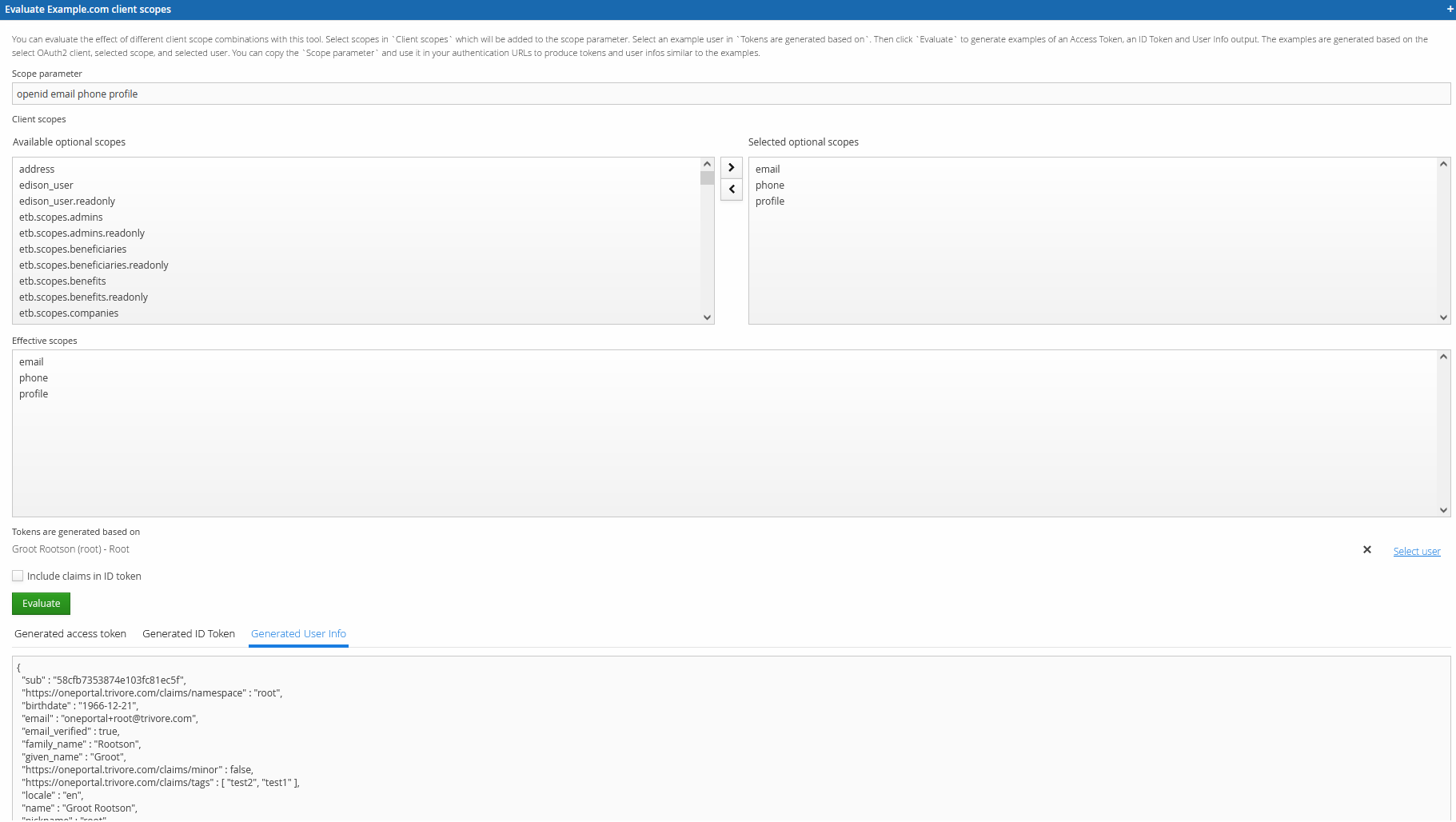
Select some scope values in the Available optional scopes field. The selected scopes appear in the Scope parameter field and the Effective scopes field.
The evaluation runs against your own account, unless you change the account used via the Tokens are generated based on field.
Click Evaluate to run the evaluation. You'll see examples of the generated access token, ID token, and UserInfo output.